See which tables need a player
Every table shows its open seats, so it's obvious where a player is still needed.
Tablemates helps bridge groups organize tables. Organizers create a bridge game with tables of four, players claim seats from their phone, and the organizer sees which tables are full and which still need a player.
Free · No ads · Works on any phone
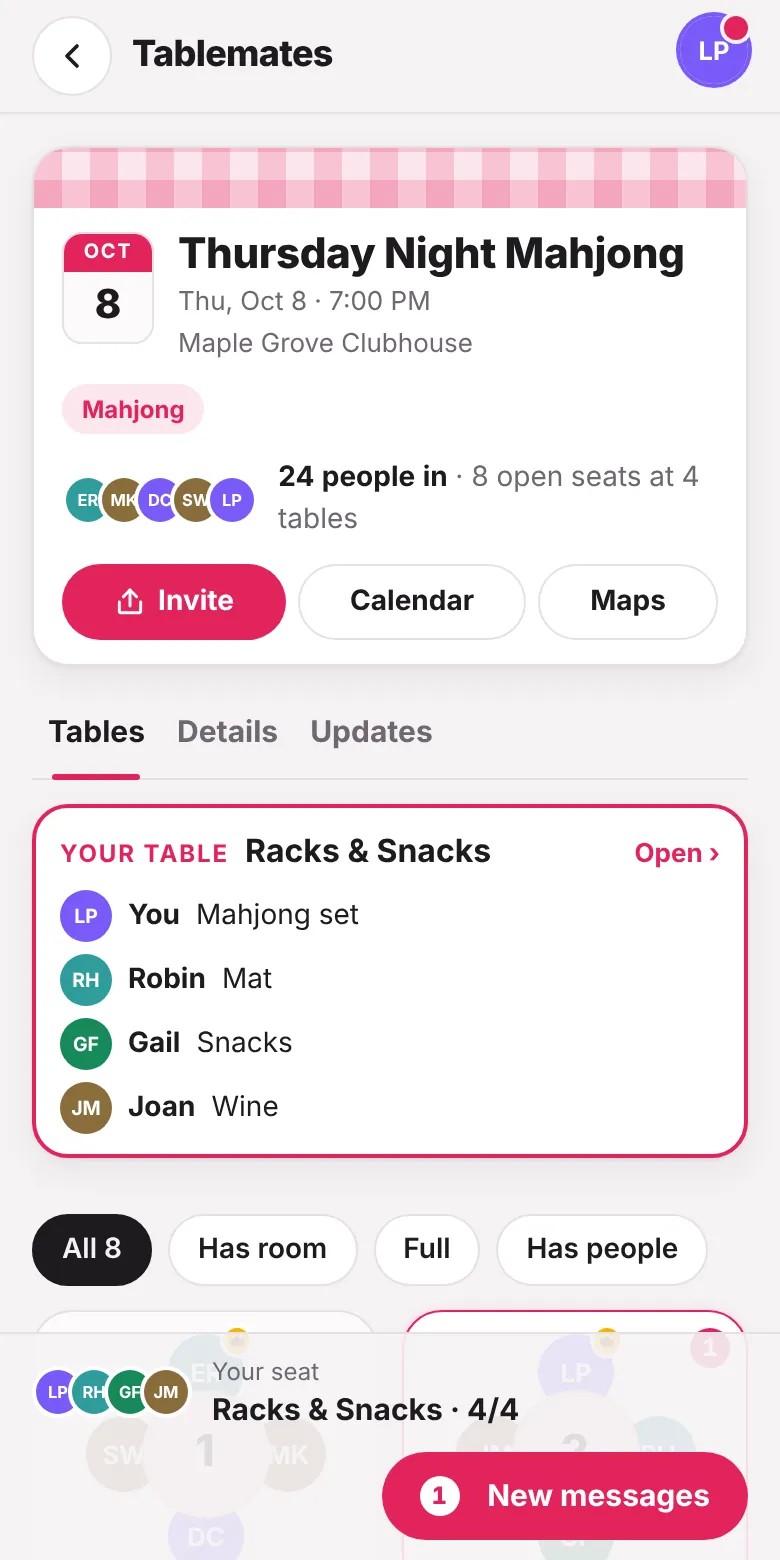
Every table shows its open seats, so it's obvious where a player is still needed.
Perfect for home bridge parties, social clubs and weekly bridge lunches.
Suggestions include card decks, a score pad, bidding boxes and a card table.
Post a change of venue or start time and email everyone in one step.
Each table's bring list suggests:
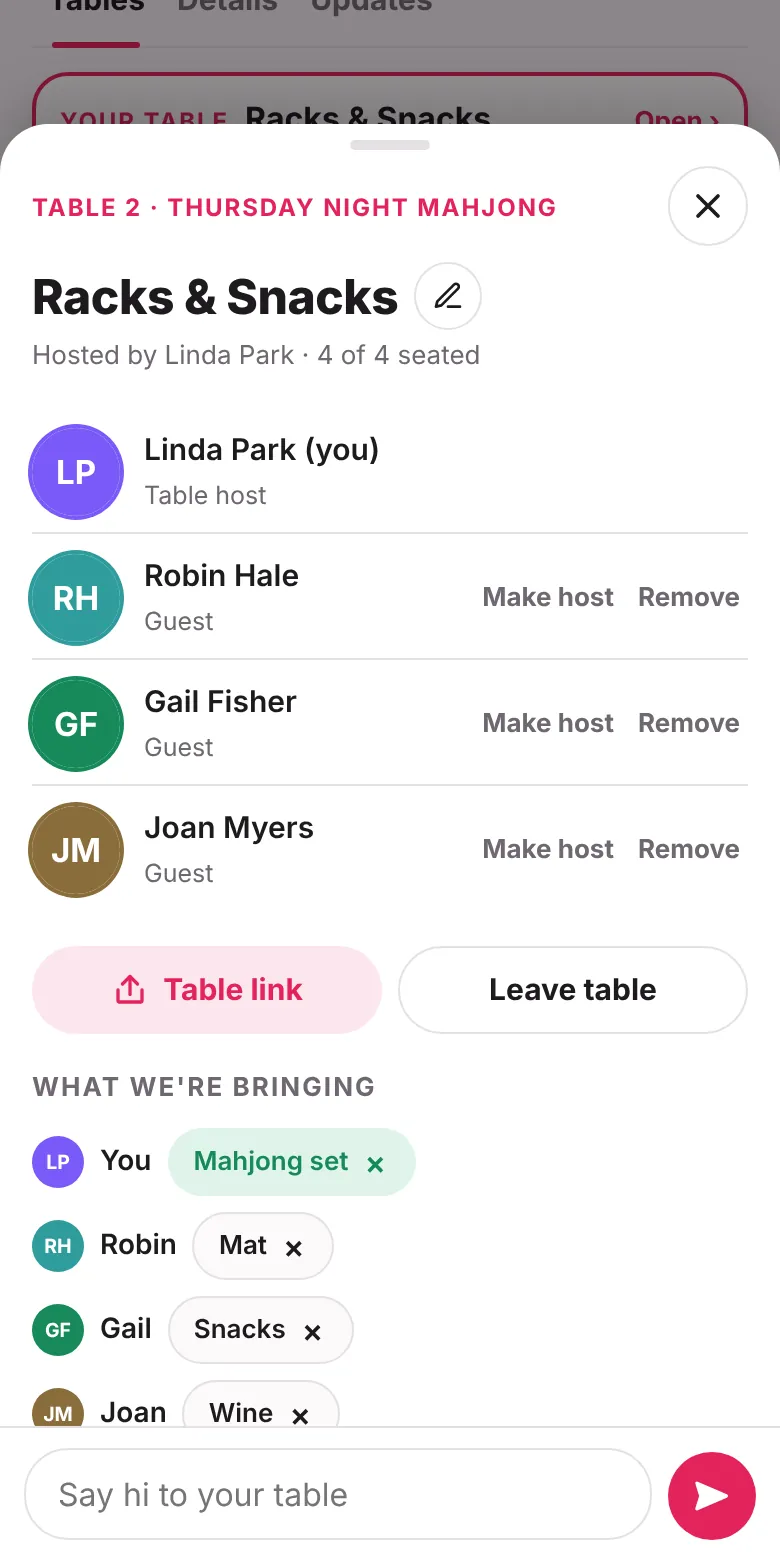
Bridge is played with four players in two partnerships. Tablemates uses 4 seats per table by default.
Yes. Set the game to repeat weekly or every two weeks, and each date gets its own table sign-ups.
Yes. Tablemates is completely free: no sign-up fees, no charge to host events, and no ads. That goes for organizers and players.
No. Tablemates runs in the web browser on iPhone, Android and computers. Players can optionally add it to their Home Screen so it opens like an app.
Yes. Tablemates works on Android phones and tablets in Chrome and other modern browsers, as well as on iPhone, iPad and computers.
Free, with no ads. Set up your first game in a minute.